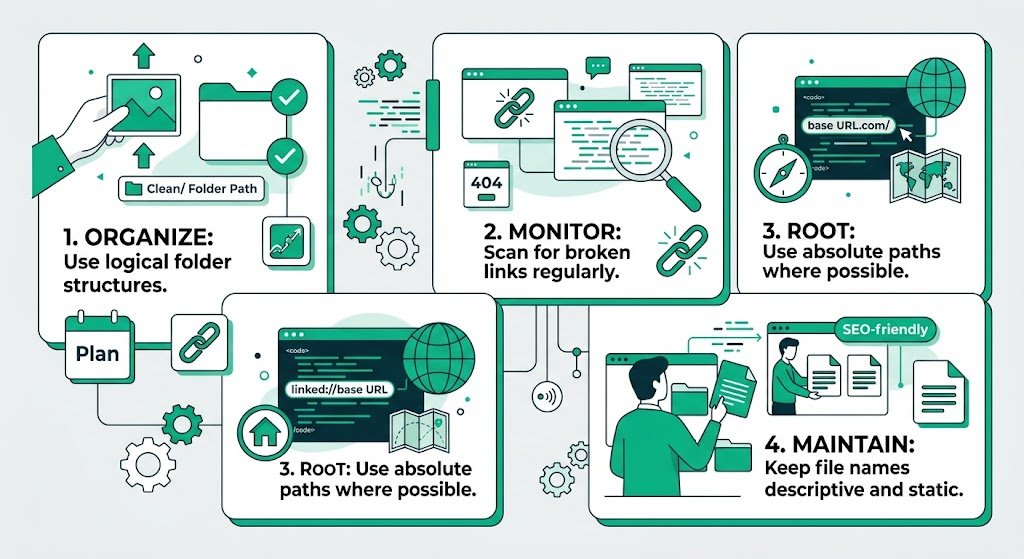
Prevent Broken Image Links in Solo Build It: Stop Missing & Broken Images Before They Happen
Nothing frustrates readers and hurts your credibility faster than broken image links on your Solo Build It website. Those ugly placeholder icons, blank spaces, and missing visuals not only ruin the reading experience but also damage your SEO and professional image. If you’ve ever published an article only to find broken images later, you know how painful it is.
In this comprehensive guide, you’ll learn proven strategies to **prevent broken image links in Solo Build It** and maintain a flawless visual experience. Most importantly, discover how Bulk Snap from SBISnap.com — the ultimate AI-powered bulk image optimization tool built exclusively for Solo Build It users — helps you prevent broken links by delivering perfectly prepared, reliable images every time through intelligent compression, resizing, SEO filenames, and alt text generation.
Why Broken Image Links Are a Serious Problem in SBI
Broken images create a poor first impression, increase bounce rates, and signal to search engines that your site may have quality or maintenance issues. Common causes in Solo Build It include:
- Images exceeding the 100KB limit and failing to upload
- Upload timeouts due to the 10-image restriction
- Incorrect or changed filenames after upload
- Poor compression leading to corrupted files
- Missing alt text making issues harder to diagnose
Preventing these problems is far better than fixing them after they occur.
The Smart Way with Bulk Snap: Proactive preparation that prevents broken links before they happen.
Common Causes of Broken Image Links in Solo Build It
1. File Size Rejections
Images over 100KB fail to upload completely, leaving broken references.
2. Partial Uploads & Timeouts
The 10-image limit often causes incomplete batches.
3. Filename Changes or Typos
Manual renaming after upload breaks existing links.
4. Corrupted or Over-Compressed Files
Heavy manual compression can damage image files.
5. Cache & CDN Issues
Old cached versions remain even after updates.
How Bulk Snap Prevents Broken Image Links
Bulk Snap from SBISnap.com is the proactive solution SBI users need. By preparing images perfectly before upload, it eliminates the root causes of broken links.
Key Prevention Features:
- Guaranteed 100KB Compliance: Ensures every image uploads successfully
- Smart Resizing & Optimization: Prevents layout and display issues
- Clean, Descriptive Filenames: Reduces human error in naming
- Reliable Bulk Processing: Minimizes partial upload failures
- High-Quality Output: Produces stable, non-corrupted files
Step-by-Step: How to Prevent Broken Image Links with Bulk Snap
- Collect Raw Images: Gather all photos for your article in one folder.
- Upload to Bulk Snap: Visit SBISnap.com and upload your batch.
- Provide Context: Enter your article title or keywords.
- Run Optimization: Select the SBI Image Library preset.
- Download Ready Files: Get perfectly prepared, stable images.
- Upload to SBI: Import with confidence — images will display reliably.
- Verify: Check the live article to ensure everything loads perfectly.
Real Results from SBI Users
Success Story
“I used to have broken images appearing randomly after publishing. Since using Bulk Snap, almost every image uploads and displays perfectly on the first try. No more embarrassing broken icons for my readers. My workflow is now smooth and reliable.”
— Maria Gonzalez, Spain
Advanced Tips to Prevent Broken Image Links Long-Term
- Always prepare images with Bulk Snap before uploading
- Use consistent, descriptive filenames
- Regularly audit your Image Library for broken references
- Enable lazy loading and proper caching in SBI
- Keep backups of optimized image folders
Manual Fixes vs Bulk Snap Prevention
| Approach | Manual Method | Bulk Snap Prevention |
|---|---|---|
| Broken Image Rate | Frequent | Near Zero |
| Time Spent Fixing | High | Very Low |
| Image Quality | Inconsistent | Professional |
| Overall Reliability | Low | Excellent |
Conclusion: Prevent Broken Image Links Once and For All
Broken image links damage user trust, hurt your professional image, and weaken your SEO efforts. While you can fix them after they appear, true prevention through proper preparation is far more effective and less stressful.
Bulk Snap from SBISnap.com gives you that prevention by delivering perfectly optimized, reliable images every time. It handles compression under 100KB, ideal resizing, clean filenames, and strong alt text — eliminating the main causes of broken links in Solo Build It.
Stop dealing with broken images and embarrassing placeholders. Start using Bulk Snap today and enjoy smooth uploads, beautiful visuals, and a more professional Solo Build It website.
Ready to prevent broken image links for good? Visit SBISnap.com now and experience the easiest way to optimize images for Solo Build It.