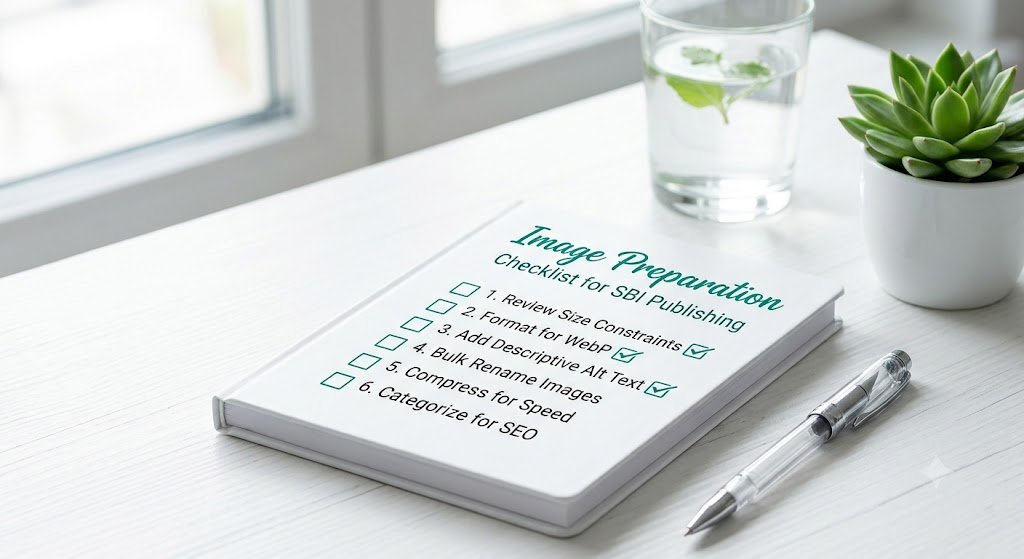
Image Preparation Checklist for SBI Publishing: Never Miss a Step Again
Are you tired of forgetting important image optimization steps before publishing on Solo Build It? From compression under 100KB, proper resizing, SEO-friendly filenames, meaningful alt text, to avoiding upload rejections — missing even one step can cause delays, poor quality, or broken images that frustrate both you and your readers.
In this practical guide, you’ll get a complete **image preparation checklist for SBI publishing** that ensures professional, fast, and SEO-strong results every time. Learn how to make image preparation systematic and reliable. Most importantly, discover how Bulk Snap from SBISnap.com — the ultimate AI-powered bulk image optimization tool built exclusively for Solo Build It users — makes following this checklist effortless by automating compression, resizing, SEO filenames, alt text generation, and full preparation in minutes.
Why a Solid Image Preparation Checklist Is Essential for SBI Success
Consistent image preparation is one of the highest-leverage habits for Solo Build It publishers. A reliable checklist helps you:
- Avoid upload failures and technical issues
- Maintain consistent professional quality
- Strengthen SEO through optimized filenames and alt text
- Speed up your overall publishing workflow
- Reduce stress and creative burnout
Without a checklist, image preparation becomes chaotic and inconsistent — especially as you scale content output.
The Smart Solution: Bulk Snap turns your checklist into an automated, reliable system.
The Complete Image Preparation Checklist for SBI Publishing
1. Collect High-Quality Source Images
Start with the best originals possible. Organize raw files in dedicated article folders.
2. Resize to Ideal Dimensions
Adjust widths (typically 700–1400px) based on placement while maintaining aspect ratio.
3. Compress Intelligently Under 100KB
Balance quality and file size — aim for 70–90KB for most content images.
4. Choose the Right Format
Use JPEG for photos, PNG for graphics with transparency, WebP when supported.
5. Create Descriptive SEO Filenames
Use hyphens, include keywords, keep names natural and readable.
6. Write Natural, Context-Aware Alt Text
Describe images meaningfully in relation to the surrounding content.
7. Test Loading & Display
Verify images look good and load quickly on both desktop and mobile.
How Bulk Snap Makes Following the Checklist Effortless
Bulk Snap from SBISnap.com is the complete solution that turns your image preparation checklist into an automated, reliable process. It handles multiple checklist items simultaneously with AI intelligence.
How Bulk Snap Covers Your Checklist:
- Smart Resizing: Automatically applies ideal dimensions
- Guaranteed 100KB Compression: Optimizes size while preserving quality
- AI SEO Filename Generator: Creates descriptive, keyword-rich names
- Context-Aware Alt Text: Generates natural, relevant descriptions
- Bulk Processing: Completes the entire checklist for large batches in minutes
Step-by-Step: Using Bulk Snap to Follow Your Image Preparation Checklist
- Collect & Organize Raw Images: Gather photos in one folder.
- Upload to Bulk Snap: Visit SBISnap.com and upload your batch.
- Provide Article Context: Enter title or keywords to guide optimization.
- Run Full Checklist Optimization: Select the SBI Image Library preset.
- Process Efficiently: AI handles resizing, compression, naming, and alt text.
- Download Ready Files: Get a complete, checklist-compliant package.
- Upload to SBI: Import smoothly and publish with confidence.
Real Results: Consistent, Professional Image Preparation
Success Story
“Following a proper image preparation checklist used to take me forever. Bulk Snap now handles my entire checklist automatically. I get consistent, high-quality results every time with minimal effort. My publishing speed has increased dramatically, and my site looks far more professional.”
— Carlos Rivera, Spain
Advanced Tips for Maintaining a Strong Image Preparation Checklist
- Create Bulk Snap presets for different content types
- Build a master folder template on your computer
- Review a sample of generated alt text regularly
- Schedule regular image library audits
- Document your checklist for long-term consistency
Manual Checklist vs Bulk Snap Automation
| Aspect | Manual Checklist | Bulk Snap Automation |
|---|---|---|
| Time per Article | 2–4 hours | 8–15 minutes |
| Consistency | Variable | Excellent |
| Error Rate | Higher | Near Zero |
| Scalability | Poor | Highly Scalable |
Conclusion: Make Image Preparation a Reliable Habit
Following a solid image preparation checklist for SBI publishing is one of the smartest habits you can develop as a website owner. It ensures consistent quality, faster publishing, better SEO, and a more professional final product.
While you can follow a checklist manually, it’s slow and difficult to maintain perfectly every time. Bulk Snap from SBISnap.com makes checklist adherence effortless and highly effective. It automates compression under 100KB, smart resizing, SEO filenames, natural alt text, and full batch processing — turning image preparation from a weekly headache into a quick, reliable part of your publishing routine.
Stop missing important optimization steps. Let Bulk Snap help you build a strong, consistent image preparation system that supports your long-term success on Solo Build It.
Ready to improve your image preparation checklist? Visit SBISnap.com today and experience the easiest way to optimize images for Solo Build It.